Patients
Prescriptions and purchase history
Glasses and contact lens Rx, previous pairs, files and insurance details together.
Frames, lenses and contacts on one sale. Keep measurements, deposits and patient communication with the order, then follow every job through to pickup.
Built by a registered optician, around the work at your counter.
Optometrist? See VisionPath for clinics →
A glasses order, from the search box to the pickup text, in just over a minute. Sound on.
Frames, lenses, contacts and the balance in one place.
See what needs ordering, a call or collection.
Bring prescriptions and past purchases into the next order.
Follow glasses and contact lens orders from ordering to pickup. Promised dates and patient contact stay with the job, so the next person can see what needs doing.
Photograph the work order, review the extracted details and approve the sale. Keep the original paper alongside the prescription, frame and deposit.
| Sph | Cyl | Axis | Add | Seg | |
|---|---|---|---|---|---|
| O.D. | −2.25 | −0.50 | 180 | +2.00 | 18 |
| O.S. | −2.00 | — | — | +2.00 | 18 |
| Sphere | Cyl | Axis | Add | Seg | |
|---|---|---|---|---|---|
| OD | −2.25 | −0.50 | 180 | +2.00 | 18 |
| OS | −2.00 | — | — | +2.00 | 18 |
Find a job, check the shelf or prepare a reorder. The assistant works with your records, and asks you to approve changes.
Explore the current software with fictional patients. Choose the screen you want to see.
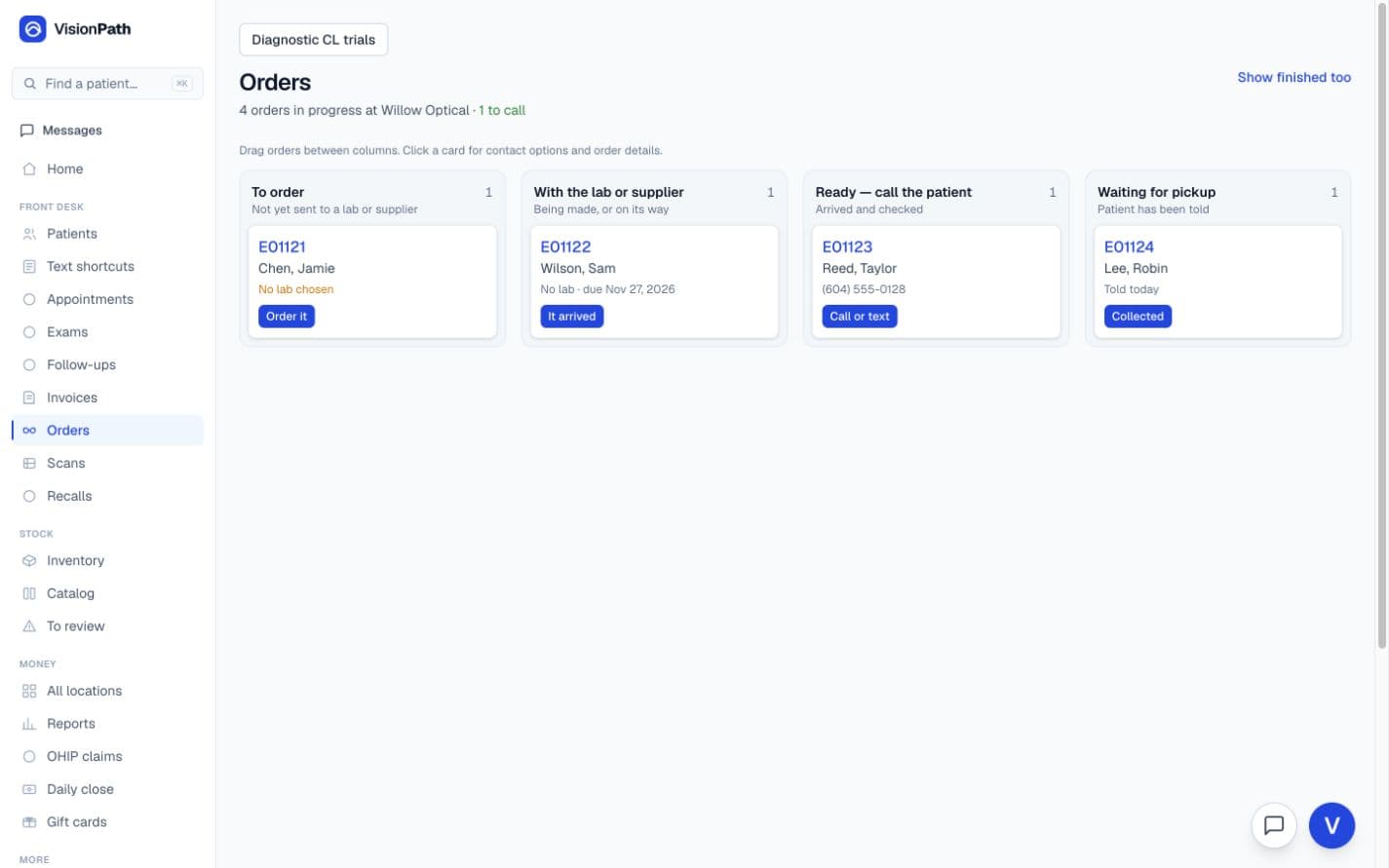
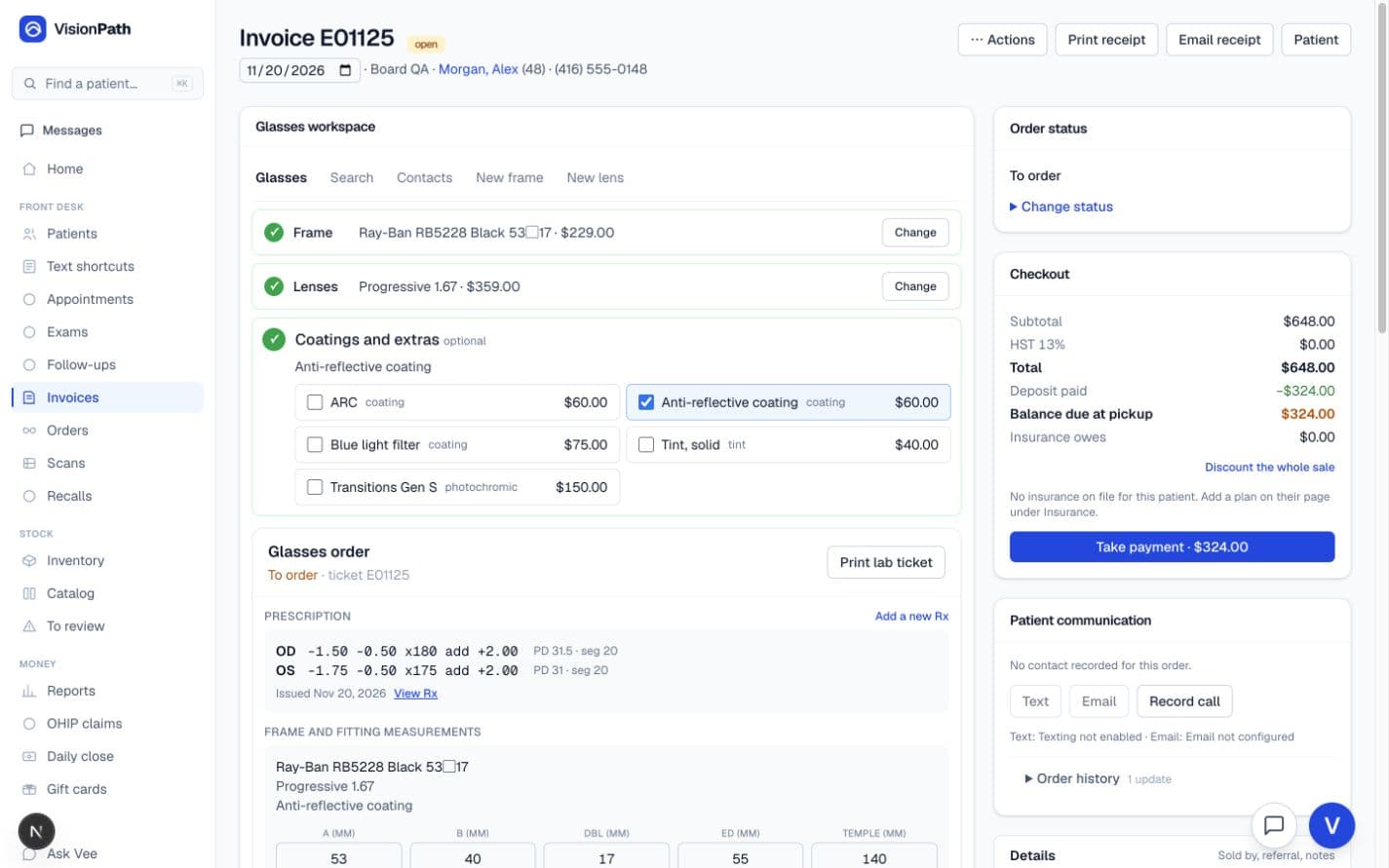
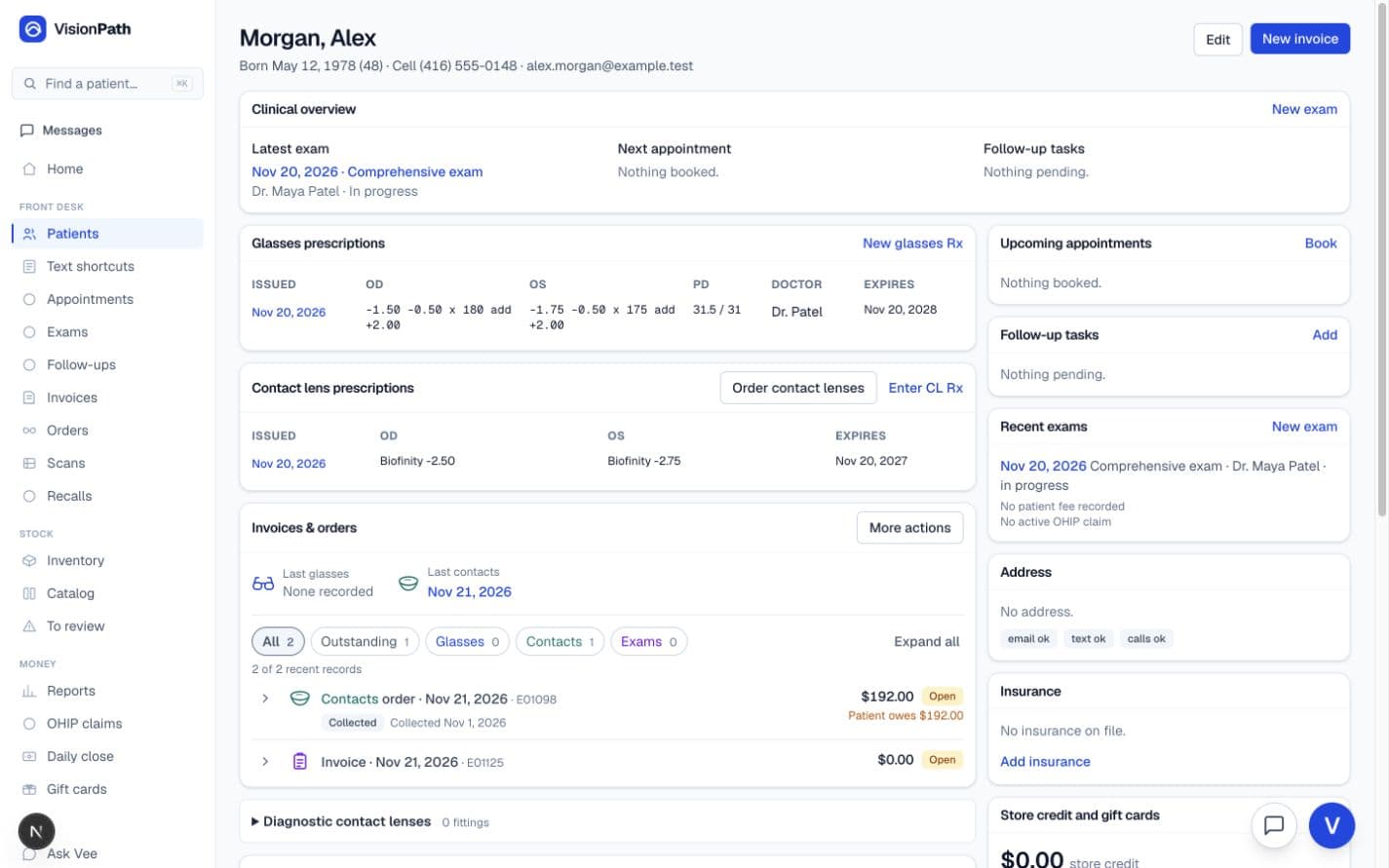
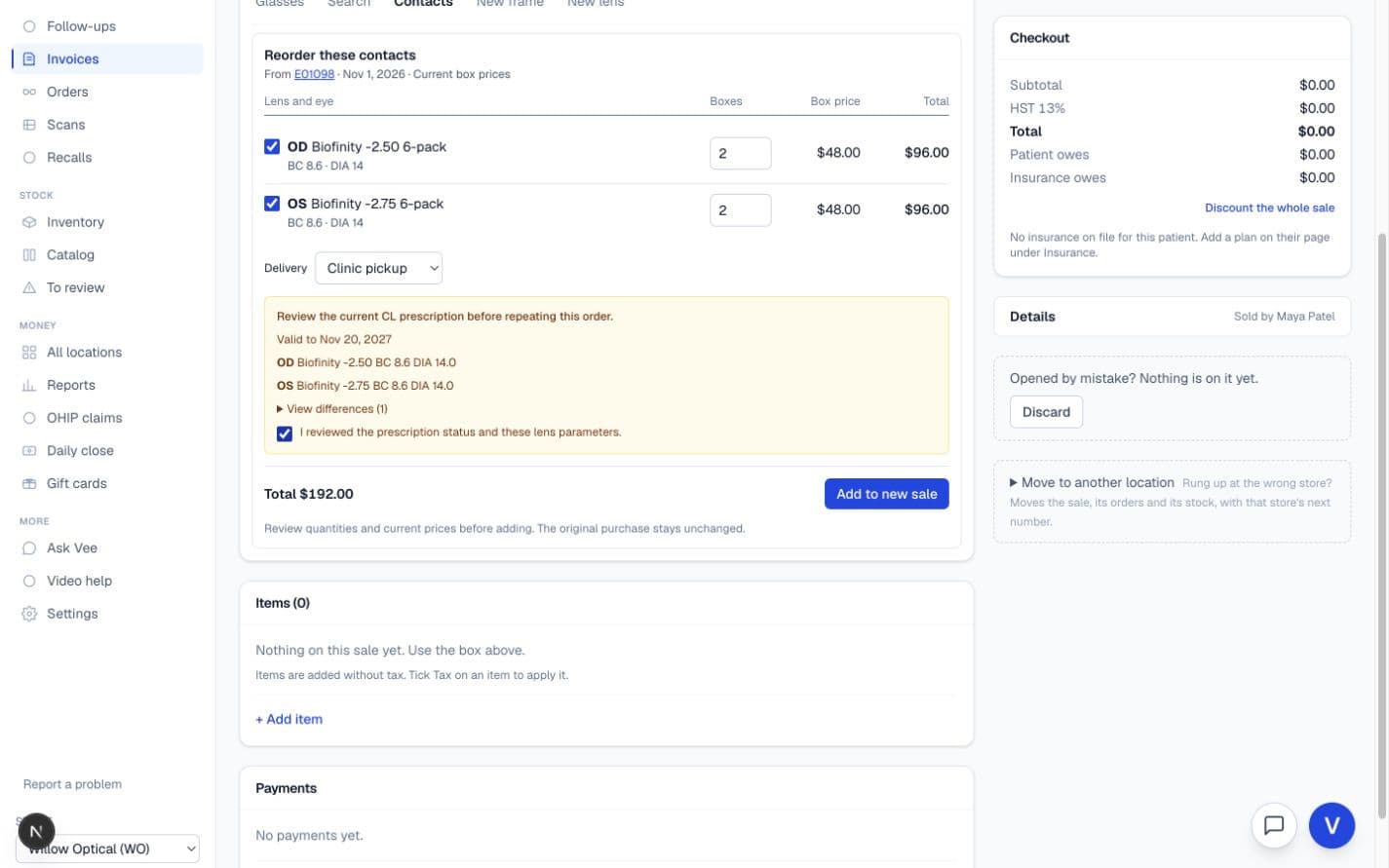
Keep the details your team needs close to the work.
Glasses and contact lens Rx, previous pairs, files and insurance details together.
Record payments, review the patient and insurance portions, and see what remains due.
Supplier catalogues, stock counts, transfers and reorder information by location.
Start with a past pair or contact lens purchase, then review the Rx, measurements and current prices.
Booking, patient-linked team messages and the doctor's lens plan in the same system.
Review sales and balances, reconcile the day, and follow each location.
We review your current records, agree what comes across and walk your team through the new workflow before you go live.
Not sure which kind of software your store needs? Read the guide, or see how VisionPath compares with what you run today.
“Every optician keeps a second system: the paper on the counter. This one reads the paper instead of fighting it.”
VisionPath is written by someone licensed to do the job it supports: the seg heights, the lab tickets, the insurance claims and the awkward two-pair card are all things we have filled in ourselves. Not a guess at how the work goes.
For optical stores with or without an exam room. Staff accounts, email reminders and receipts are included; text messaging is an optional add-on. Additional optometrists or locations are quoted separately.
50% off setup until Dec 31, 2026Getting you moved is $3,000 $1,500 once: your patients, prescriptions and purchase history migrated from the exports we review with you, your catalogue loaded from your supplier files, your work order layout and lab statuses matched, and two training sessions with your staff.
Thirty minutes on a video call. See your workflow using sample data and get answers to your questions.
Rather talk now? Call or text 678-719-2868, or email a question.
A 30-minute Google Meet call, using sample data. Choose a time first, then enter your details once.
Choose a demo timeNo preparation needed. Bring your questions.